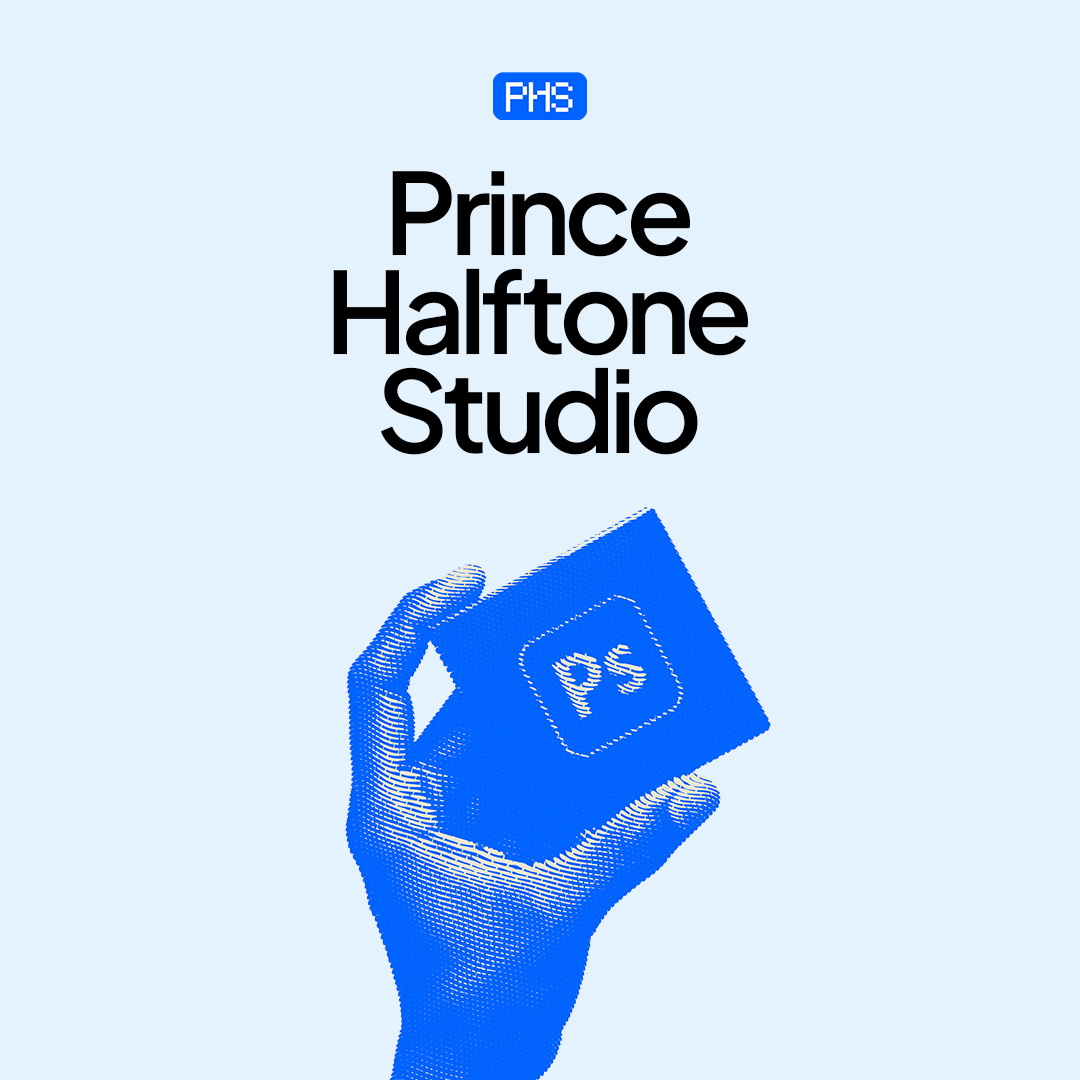
Similar shape
The whole composition scales up as one block, as big as the space allows.
Recascade turns one artboard into up to 10 sizes in one click: stories, squares, landscapes, ads and banners. Each size is laid out for its shape, so it looks designed, not squashed. Your original stays untouched.
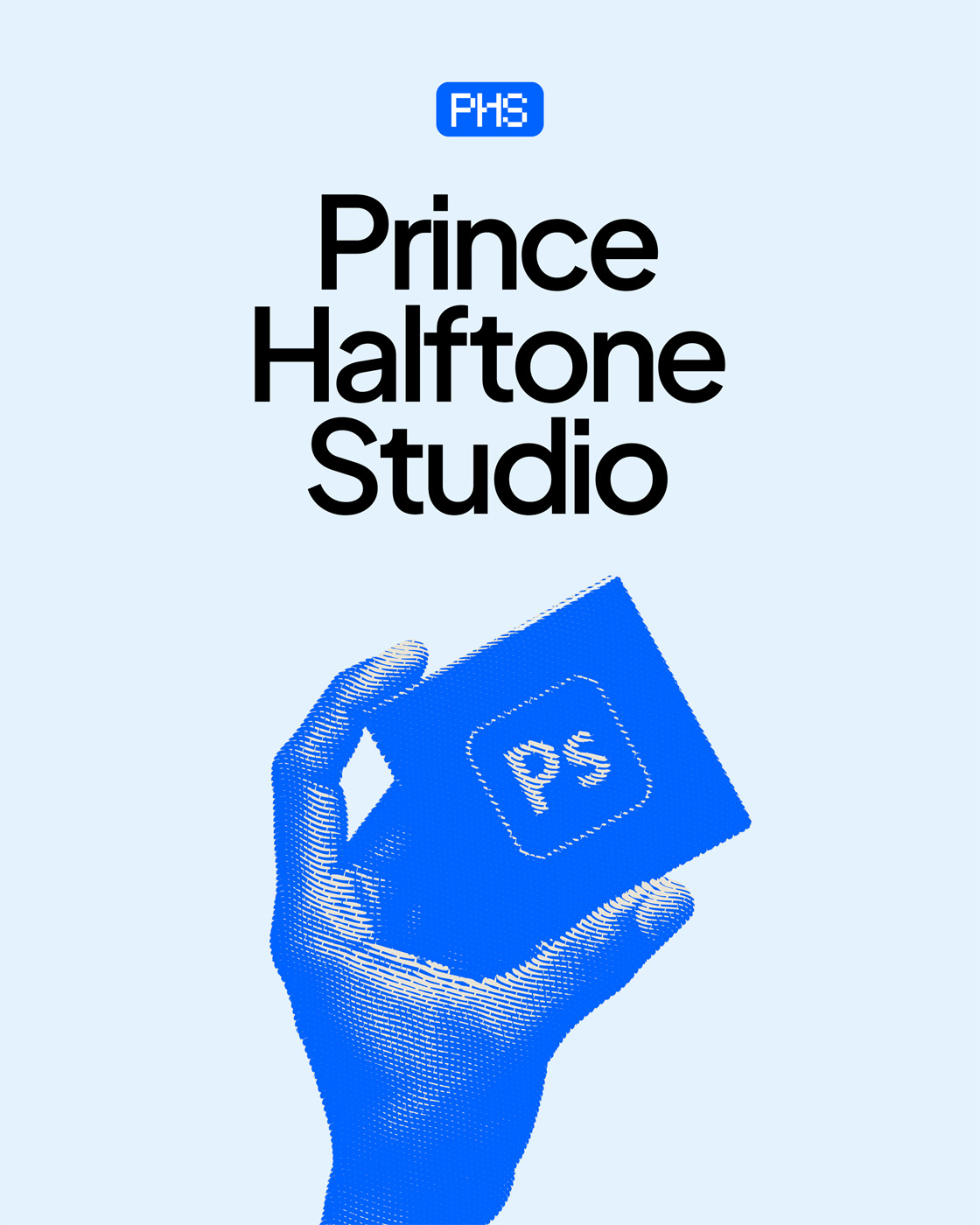 Your design · 1080×1350
New artboards appear right next to your design, each named by its size. Export them all as PNG or JPG in the same click.
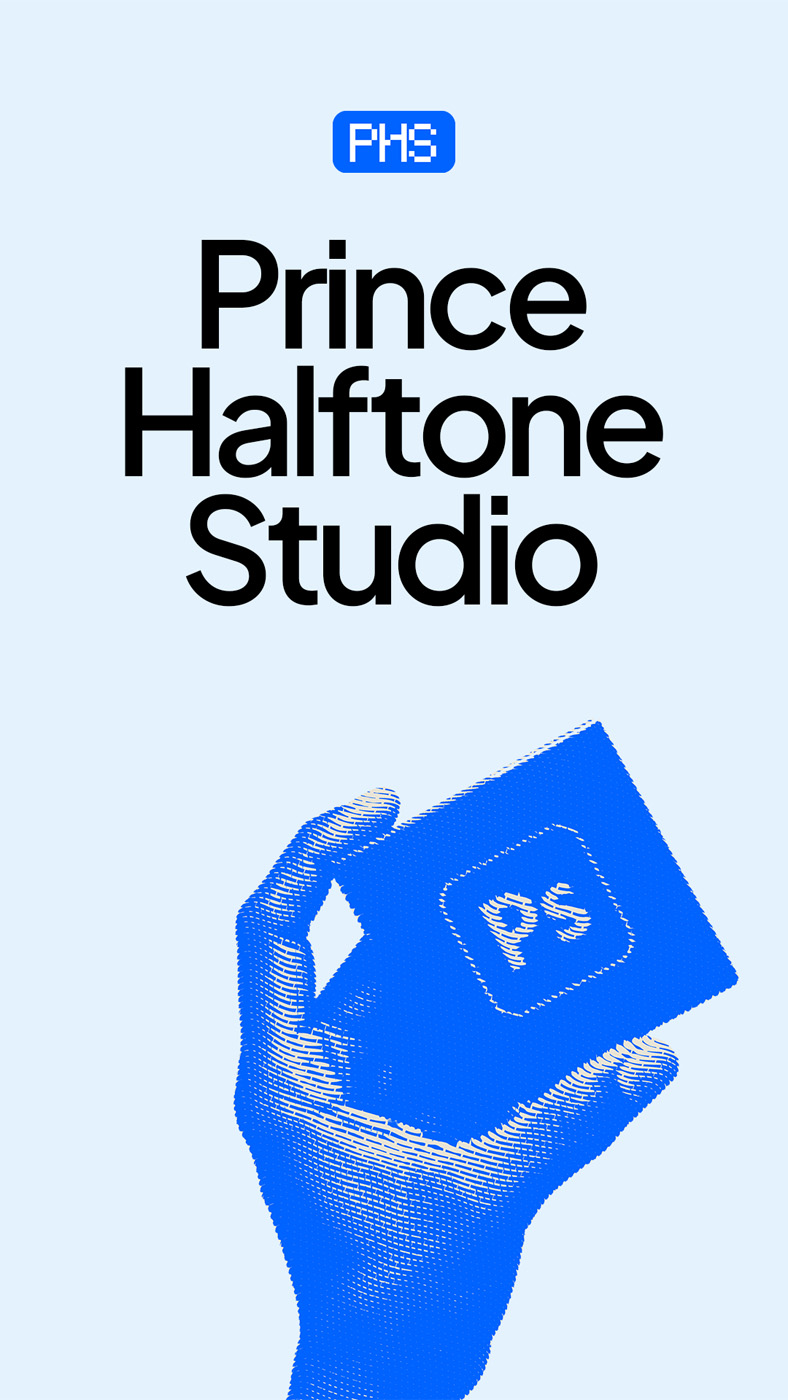
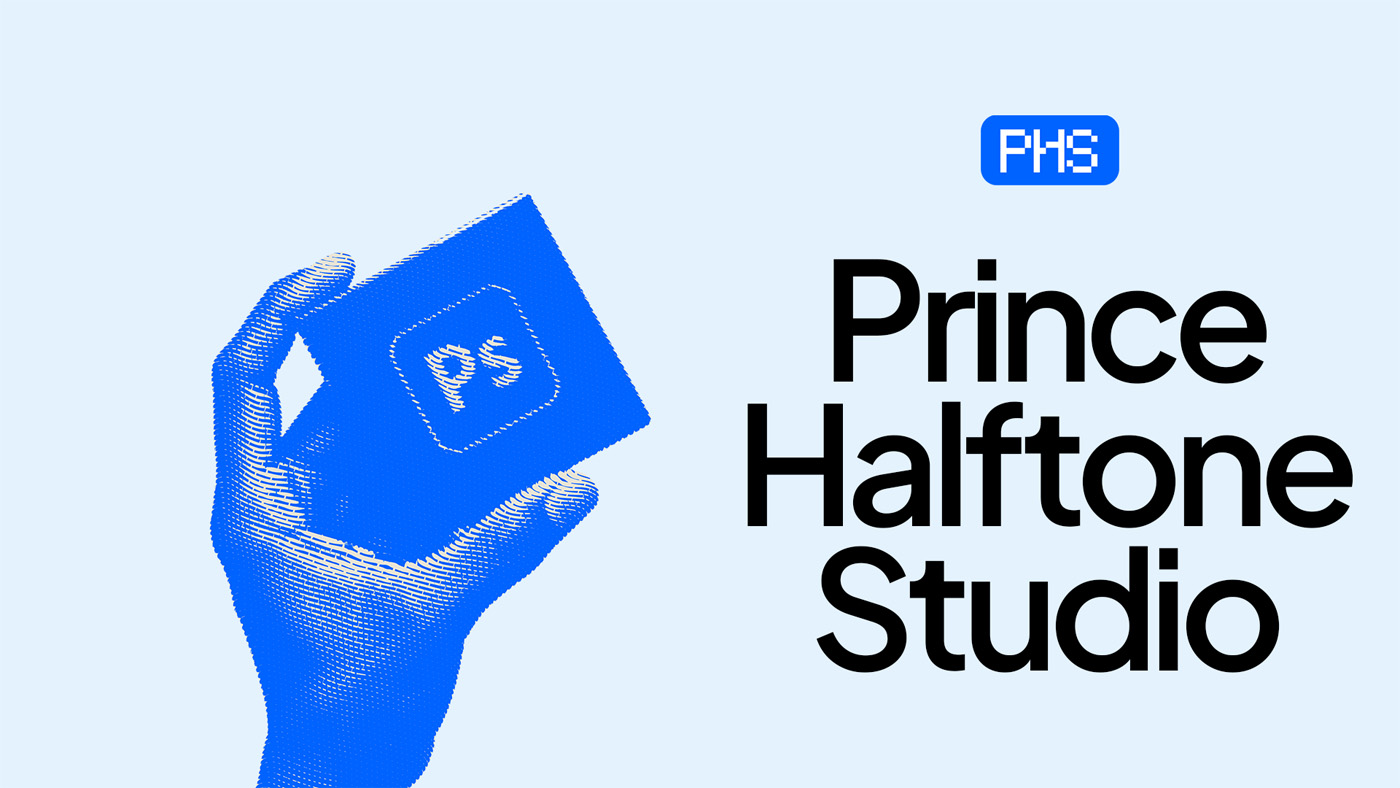
Squeeze a portrait poster into a banner and you usually get a tiny design floating in empty space. Recascade arranges it again for each new shape.
The whole composition scales up as one block, as big as the space allows.
Your main image goes on one side, your text on the other. Each fills its half.
Text and image stack, with the text centred above. Anything cut off by an edge stays on that edge.
Type sizes, tap presets, or load a pack. Each becomes its own artboard, named by its size.
Instagram, Meta ads, Google display, YouTube & X and LinkedIn built in. Save your own sets per client.
Every new size saved as PNG or JPG in a folder you choose, named 1080x1920.png and so on.
On very wide or tall sizes, your main title can move to fewer or more lines so it stays big and readable.
Small corner items keep their corner, and backgrounds stretch to fill every size.
Your original artboard is never changed. In Photoshop, one Undo removes the whole cascade.
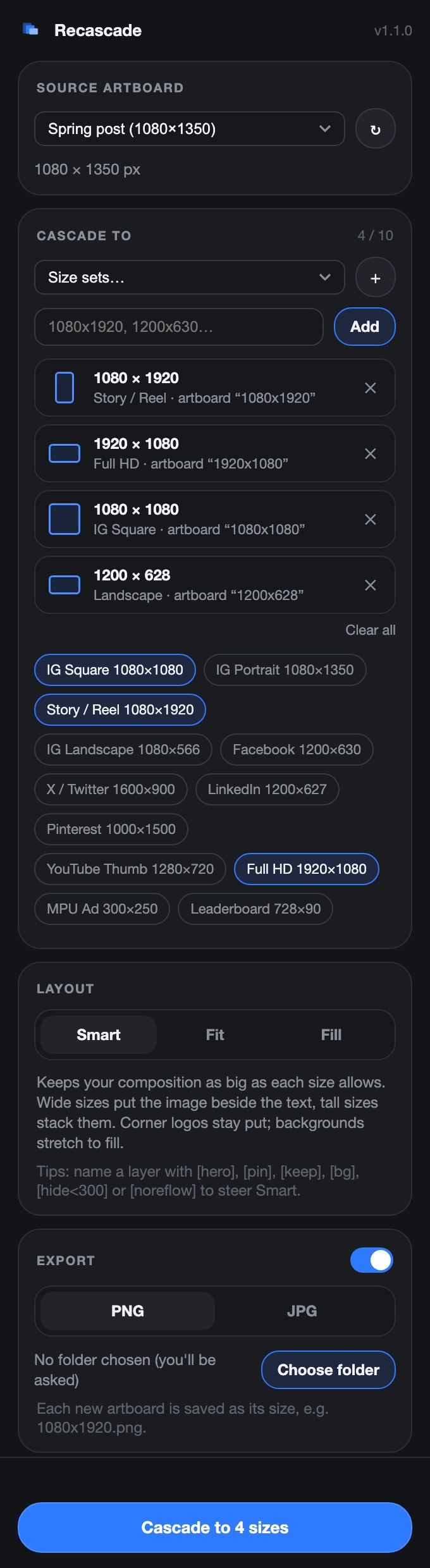
It lives in a panel right inside Photoshop and Illustrator, so there's nothing to export or import.
Choose the artboard you designed. In Photoshop, a document without artboards works too.
Type them, tap presets, or load a pack like Meta ads or Instagram. Up to 10 at a time.
Every size is built next to your design, laid out for its shape, and exported if you turned that on.
No subscription. Buy once and use it on every project, for personal work and client work alike.
Yes. Your purchase includes both the Photoshop and the Illustrator plugin, and one licence key works in both.
Photoshop 2023 (version 24.2) or newer, and/or Illustrator 2021 or newer, on Mac or Windows.
Most sizes are ready to post or need only a small touch. Very extreme shapes (like a 728×90 banner from a portrait poster) usually want a quick tweak. Layer-name tags let you tell Recascade what matters, so you fix less.
Never. New sizes are created as new artboards next to your design. In Photoshop, a single Undo removes the whole cascade.
After checkout on Selar you download the files and go straight to a page that shows your licence key. For Photoshop, double-click the plugin file; for Illustrator, run the included installer. Then paste your key. It takes about a minute.
One licence works on 2 of your own computers in each app, for example a laptop and a desktop with both Photoshop and Illustrator. You can move it to a new computer any time from inside the plugin.
Yes. Everything you make with it is yours to use in personal and commercial projects. No credit is needed.
Yes. All version 1 updates are free for licence holders.
Email hello@artemisstudiohq.com or message us on WhatsApp (+234 902 454 0688).
Photoshop + Illustrator · ₦10,000 · Instant download
Get Recascade